
| Situation | Change | Planning use |
|---|---|---|
| The phone is always in hand | Limits for non-essential apps, plus quieter notifications | The easiest first step, because every app stays installed |
| Work happens at a screen | Check email and social media at set times; every 20 minutes, look at something 20 feet away for 20 seconds | Fits inside the working day without extra equipment |
| Screens follow you to bed | No devices for an hour before bedtime; charge them in a central spot outside the bedroom | Protects sleep, but needs a spot for the charger |
| The household shares evenings | Screen-free dinner table; board games, reading, puzzles or walks | Works best when everyone agrees on it first |
The habits above draw on Scripps Health guidance on reducing adult screen time and Sanford Health’s screen-time advice.
Knowing how to reduce screen time starts with keeping your apps and changing the settings around them: add limits, silence notifications and move devices out of the bedroom. Begin with one change and add others gradually.
The changes below run roughly from least to most effort, grouped by the situation they solve. For the wider routine they sit in, see come organizzare la giornata in modo equilibrato.
When the phone is always in hand
Phone habits are a mass pattern in Italy. A research paper indexed on PubMed Central estimated that around 42 million people in Italy would be smartphone users by 2025. The same paper found more frequent smartphone use among Italian children and adolescents during the COVID-19 pandemic than before it. Nothing in this section asks you to delete anything. Each change adjusts how the phone behaves while every app stays installed.
App limits on iPhone and Android
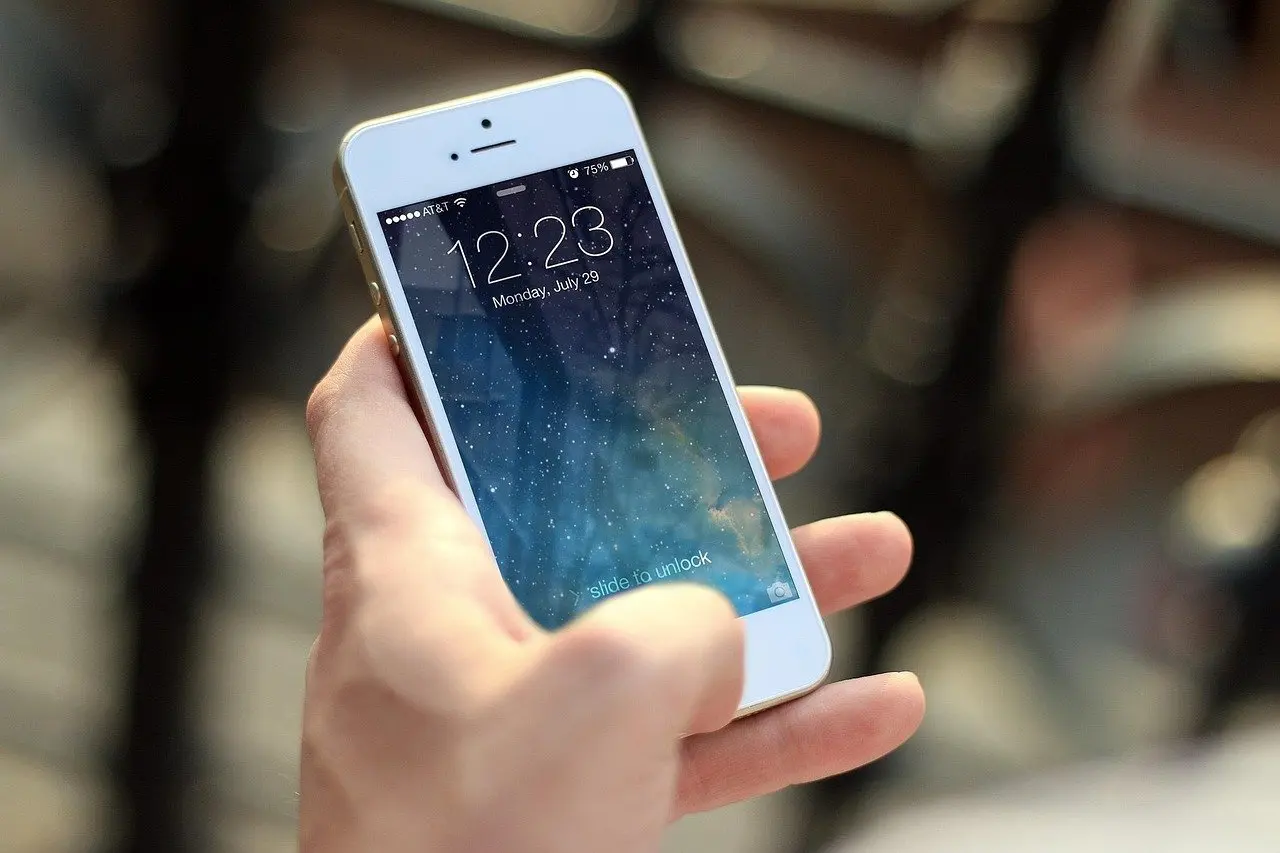
Scripps Health recommends setting screen time limits for non-essential use, using timers or apps to track it. Sanford Health makes the same point for parents: try setting app limits on your own phone. Both iPhone and Android include built-in screen time or digital wellbeing controls in the settings menu. Menu names and steps change between versions, so the official Apple and Google support pages are the reference for the exact path.
This option suits anyone whose time disappears into a few specific apps. Put limits on social media, video and games, and leave messaging, maps and banking unrestricted. A limit that blocks something you genuinely need gets switched off within days, which defeats the purpose.
Notifications and quiet modes
Scripps Health advises turning off notifications from messages or social media platforms to reduce distraction. A do not disturb mode is the quickest way to do this for a defined period. It suits focused work stretches and evenings, and it pairs well with app limits because the limit controls how long you scroll while the quiet mode controls how often the phone pulls you back.

Setting a realistic daily target
No official figure fits every adult, so a sensible target is a direction of travel rather than a cap. The two ideas below work together: a slow reduction in total use and a protected block of screen-free time.
Cut back in small steps
Sanford Health calls cutting back by even one hour a week a great first step. That pace suits people with heavy use, because a sudden halving usually collapses within days. The same logic of small, regular, planned steps applies to household money habits, as explained in what is a sinking fund.
Protect screen-free hours
Scripps Health suggests scheduling at least 1-2 hours a day for screen-free activities. Treat this as a minimum for non-work time. It is easier to protect a fixed block, such as dinner and the hour afterwards, than to subtract minutes from a total you do not track.
For a reference point, a report by Opal covering the UK, not Italy, put average phone use at 4 hours and 41 minutes per day in November 2024. Comparing your own total with a figure like this is useful only as context, since the type of use matters more than the raw number.
When screens follow you to bed
Bedtime changes pay off most for sleep, and they cost the least effort once the routine is set. They suit anyone who scrolls in bed or wakes to check notifications.
Charging outside the bedroom
Sanford Health recommends keeping devices out of bedrooms and charging them in a central spot. A shelf in the hallway or living room works, and a single shared spot makes the rule easy for a whole household to follow. Scripps Health words it more flexibly, saying to keep the devices out of the bedroom if you can. Where a separate room is not possible, a drawer or a spot across the room is the closest alternative.
The last hour before sleep
Scripps Health advises avoiding electronic devices an hour before bedtime because they give off light that can disrupt sleep. Sanford Health gives the same boundary, advising that screens stay away during meals and within an hour of bedtime. Use that hour for reading, a shower or preparing tomorrow’s things.
A traditional alarm clock
Many people keep the phone beside the bed only for the alarm. Scripps Health suggests using traditional alarm clocks instead of phones to keep the morning routine screen-free. It also removes the reason for the phone to be in the bedroom at all.
When work keeps you at a screen
For people who cannot avoid screens during the day, the aim is to make use deliberate rather than continuous.
Set checking times
Scripps Health recommends picking certain times to check email and social media. A pattern such as morning, lunch and evening replaces a constant low-level interruption with three planned visits. It suits anyone who reaches for the phone between tasks without deciding to.
Short eye breaks
The same guidance offers a simple reset: every 20 minutes, look at something 20 feet away for 20 seconds. It does not reduce total screen time, but it builds a pause into long sessions and is easy to combine with a timer.
Tech-free evenings at home
Evenings are where a household can change its pattern together. Rules are easiest to keep when something appealing replaces the screen, so plan the activity before you ban the device. These ideas also fit the slower rhythm described in what is slow living.
Start at the dinner table
Scripps Health suggests making the dinner table a screen-free zone to encourage talking during meals. It is the simplest household rule to introduce because it has a clear start and end, and it takes no equipment. Start here before attempting a full tech-free evening.
Games, reading and puzzles
Scripps Health proposes replacing TV time with board games, reading or walks. Sanford Health lists reading, puzzles, board games, outdoor play and time with friends as activities that keep children entertained without screens. A board game suits mixed ages, reading suits quiet nights, and a puzzle can sit on the table for several evenings so that anyone can add a few pieces.

A walk without the phone
A walk is the lowest-preparation option and works well straight after dinner. Leaving the phone at home, or at least out of the hand, makes the break genuinely screen-free.
Outdoor play for children
For families with children, outdoor play is the most direct replacement for screen time. Adults can join in, which also keeps the evening a shared activity rather than a restriction placed on the youngest members.

Frequently asked questions
| Question | Answer |
|---|---|
| Does screen use before bed affect sleep? | Light from devices can disrupt sleep, which is why Scripps Health advises avoiding devices an hour before bedtime. A study of Italian children and adolescents also linked smartphone overuse to clinical outcomes including sleep, ocular and musculoskeletal disorders. |
| Is there a fixed healthy screen limit for adults? | No single limit applies to everyone. Scripps Health reports that adults spend over seven hours a day looking at screens and that seven or more hours can be unhealthy, depending on how and why the screen time is used. |
| Do children need different rules from adults? | Children benefit from the same boundaries, such as no screens at meals and charging outside bedrooms, with parents involved. The Italian study recommends that paediatricians and health professionals monitor possible adverse effects of smartphone overuse in cooperation with parents. Sanford Health points to the American Academy of Pediatrics’ 5 C’s of Media Use as a framework. |